01 · Studio
Open the studio
It's a local webpage. Preview at 64×64, save your work on disk, skip the cloud.

(00) · Open source · Local control center
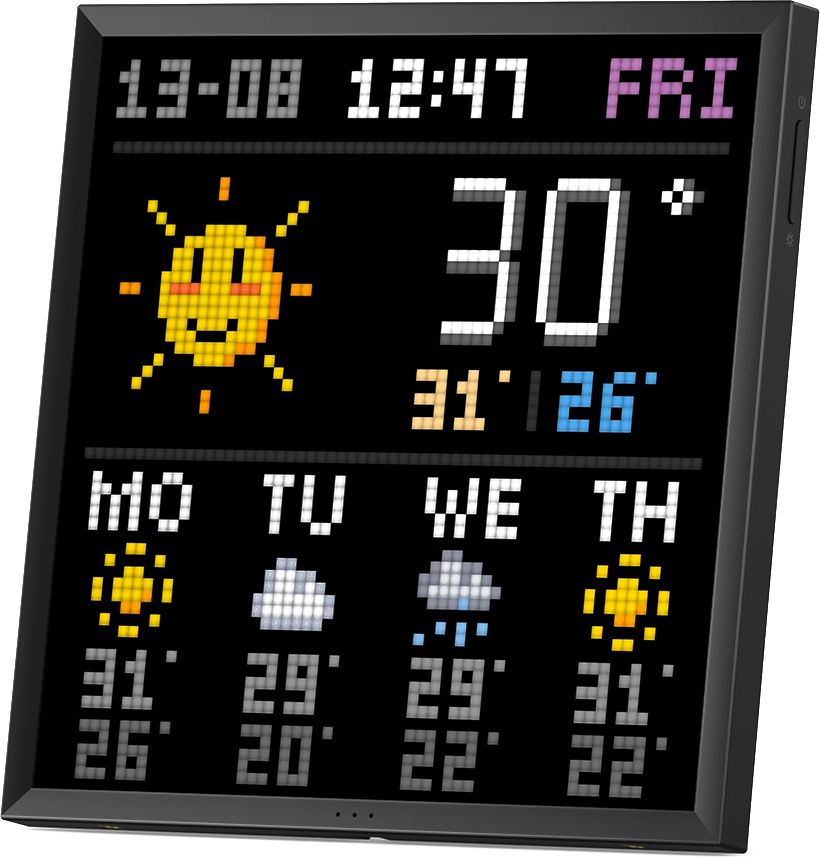
Control your Pixoo in ways the manufacturer's app just won't allow. Comes out of the box with several 'live frames' such as flip notes, weather, stocks, photo albums, Spotify "now playing" status — streamed from a browser on your machine.
(01) · What it is
Pixopen is a browser studio that talks to a 64×64 LED frame on your network. It stores projects on disk, keeps secrets off the internet, and pushes live pictures so the display actually does something.
Discover a frame on the LAN, or type an address. Preview in the studio. Then run a live app — or deploy a still, a slideshow, a drawing, a GIF.
No account. No cloud product. An open project you can run, fork, and enjoy.
(02) · Live frames
(03) · How it works
01 · Studio
It's a local webpage. Preview at 64×64, save your work on disk, skip the cloud.
02 · On the network
Pixopen looks for it on your network and sends the frames. No extra hardware, no account.
03 · Run or send
Run keeps a live app going. Deploy drops a still or GIF on the device until you change it.
(04) · Get started
Pixopen is built for 64×64 Pixoo-class displays. Your browser and the Pixoo talk directly on your local network, so it never needs the cloud. The internet only comes in if a live frame needs data you actually turned on.
What you need
No account. No extra hardware. That is the whole setup.
git clone https://github.com/xoonu/pixopen.git
cd pixopen
npm install
npm run dev
Production-style, one process:
npm run serve
— then open port 3847.
Get one
This is the 64×64 display Pixopen is built for.
Buy a Pixoo-64 on Amazon